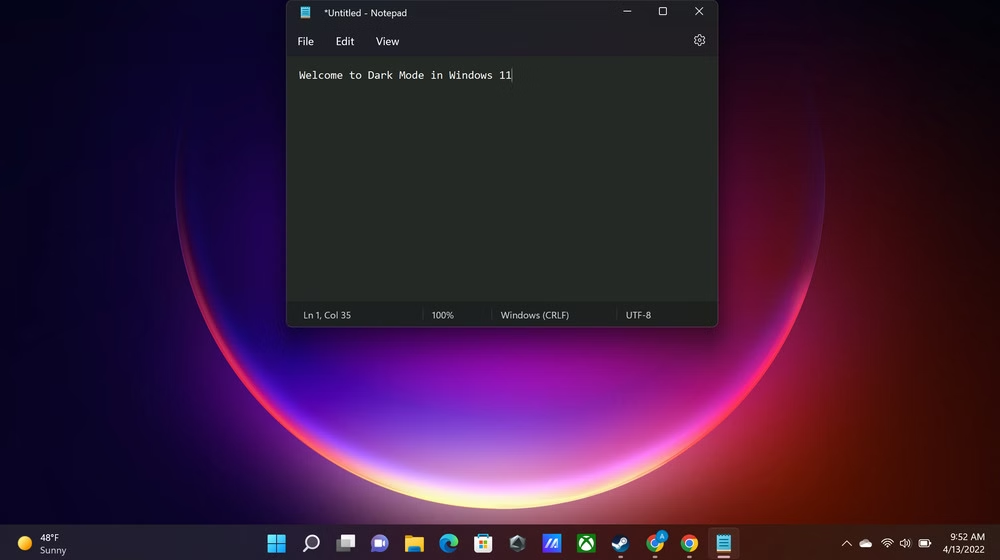
Windows 11 Dark Mode Finally Gets a Major Upgrade
Microsoft is finally addressing one of the most requested features in Windows 11 — a more consistent dark mode experience. In the latest preview build, redesigned file operation dialogs, such as those for copying or deleting files, now appear in dark theme. Previously, these dialogs only appeared in light mode, creating a mismatch across the operating system.
Dark Mode Expansion in Windows 11
The update was first spotted by Windows enthusiast Phantomofearth, who noticed that while the dialog backgrounds now support dark mode, some buttons still retain the light theme. This suggests that Microsoft is still fine-tuning the feature and hasn’t finalized the full rollout yet.
No Official Word from Microsoft
Although the company has not officially announced the dark mode upgrade, the appearance of these changes in preview builds indicates that a broader release may arrive with the Windows 11 25H2 update, expected later this year.
However, several legacy components — including the Control Panel, Run dialog, and file properties window — still do not support dark mode, leaving parts of the OS visually inconsistent.
A Long Journey for Dark Mode
Dark mode first appeared in Windows 10 back in 2016, but its adoption across the system has been slow and incomplete. Even File Explorer did not gain dark theme support until years later.
In contrast, Apple’s macOS introduced a fully consistent dark mode with macOS Mojave in 2018, setting a design benchmark that Microsoft has yet to match.
More Design Updates Ahead
Beyond dark mode, Microsoft is also preparing a major “Liquid Glass” UI redesign. This upcoming update is expected to add more transparency, layering, and modern visual effects, signaling further steps toward a unified and sleek Windows experience.